Quinn Dyer.
NYU Stern Student
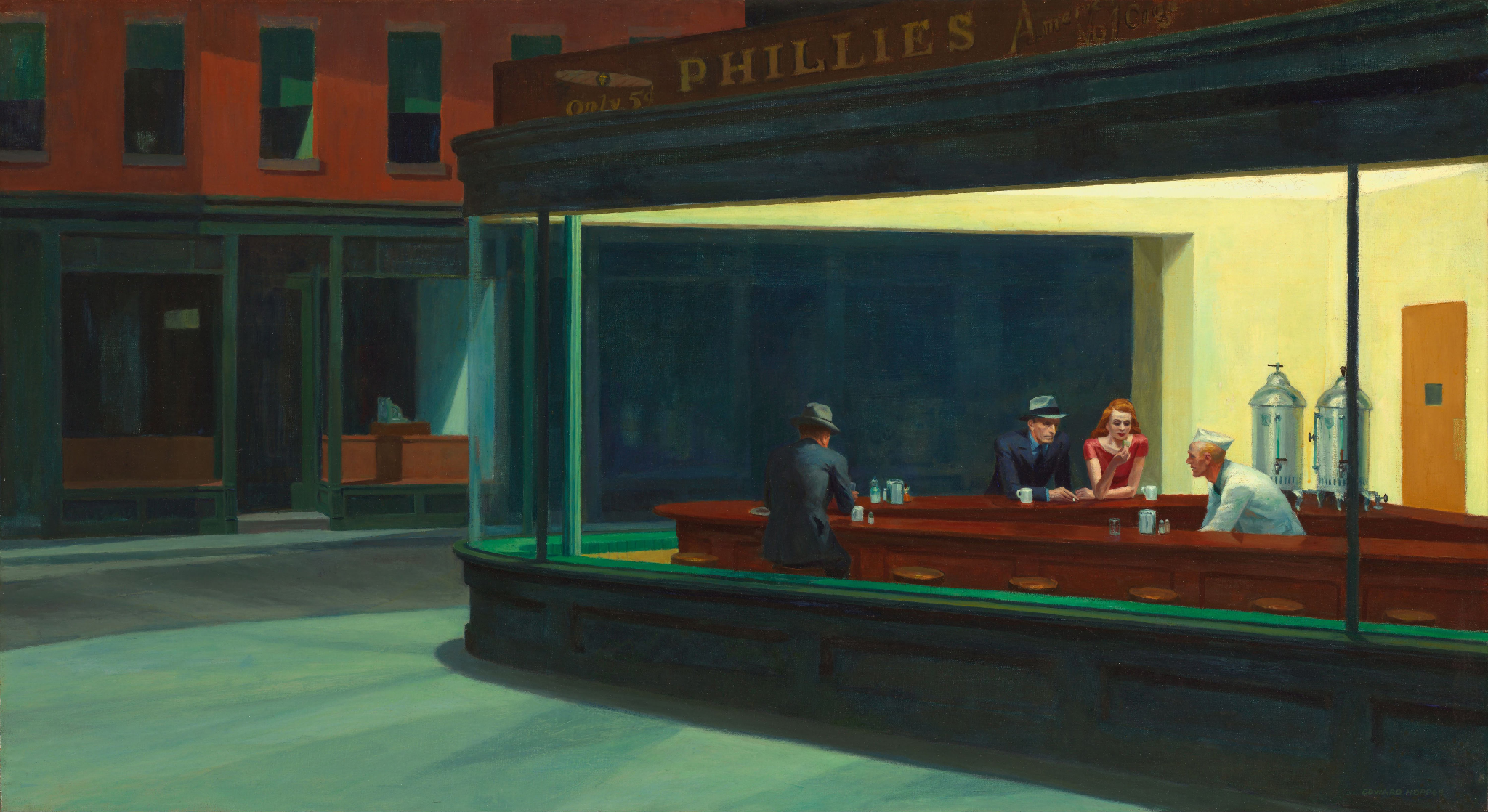
“Poor is the mind that always uses the inventions of others, and invents nothing itself.”
Hieronymus Bosch — quote source, opens in a new tab
I’m Quinn, an undergraduate at NYU Stern. I’m interested in finance, economics, psychology, and building things.
Find me here, or send me an email.
Links will be added here.
Quinn Desktop
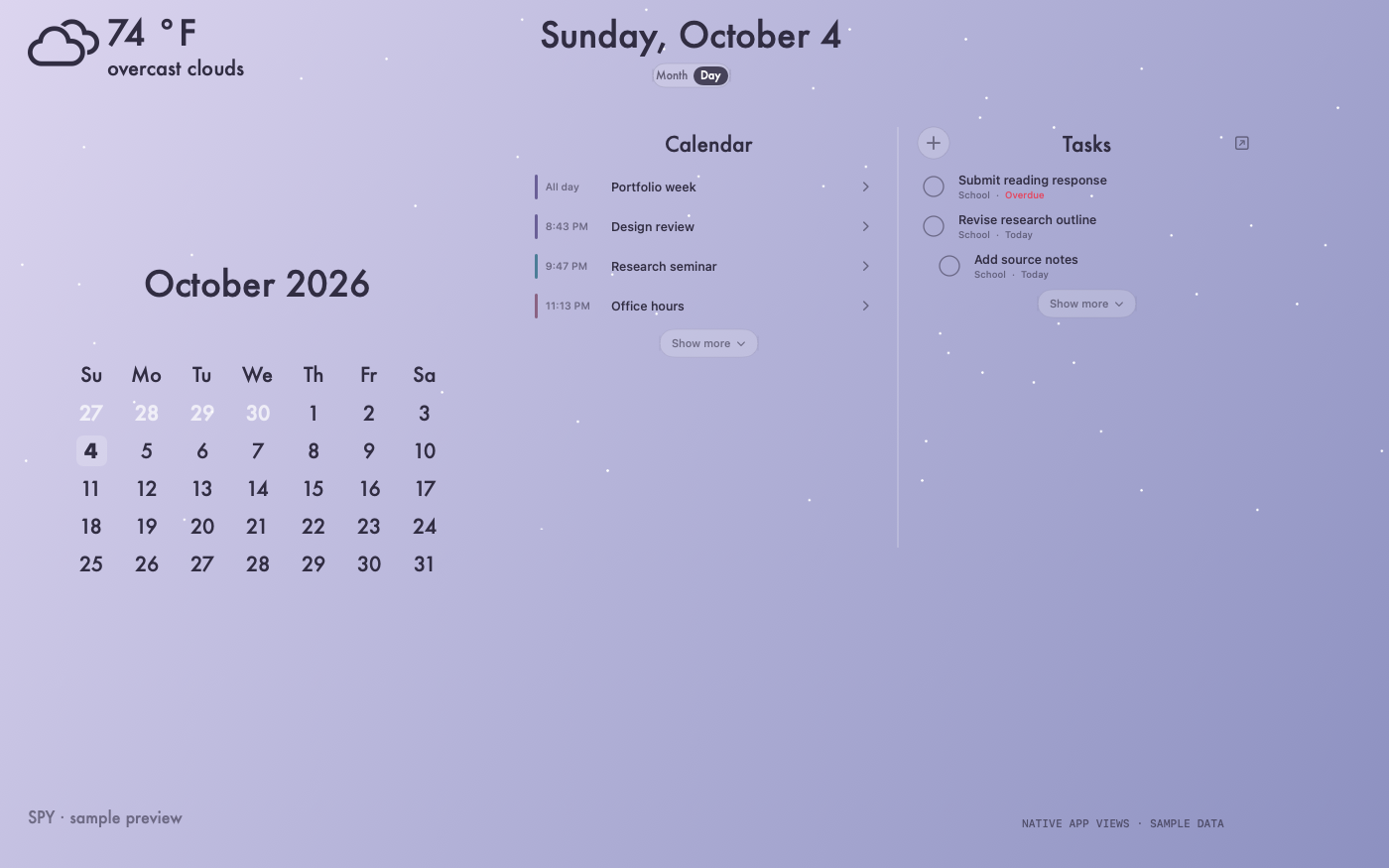
I wanted my calendar, tasks, and weather to feel like part of my desktop. This started with customized Übersicht widgets in 2022 and grew into a native Swift app, with a month view, a day agenda, quick task capture, and rising white particles in the background.
Project notes
- Click-through particles sit behind separate interactive calendar and task panels.
- Month and Day views support an expandable agenda, independent scrolling, and task capture and completion.
- The downloadable native Swift copy starts with synthetic data and separate account and storage settings.
Source & notes
I’ve shared the SwiftUI and AppKit interface, calendar and task logic, sample data, and offline checks. It compiles and passes 50 self-tests. Live services need your own settings and an explicit launch flag.
Requires macOS 14 or newer, Swift 6, and Apple’s command-line development tools. The package has no external Swift dependencies. This is a source snapshot; a reuse license has not been selected.
View Package.swift
// swift-tools-version: 6.0

import PackageDescription

let package = Package(
    name: "QuinnDesktop",
    platforms: [.macOS(.v14)],
    products: [
        .library(name: "DashboardCore", targets: ["DashboardCore"]),
        .executable(name: "QuinnDesktop", targets: ["QuinnDesktop"]),
        .executable(name: "DashboardSelfTests", targets: ["DashboardSelfTests"]),
    ],
    targets: [
        .target(name: "DashboardCore"),
        .executableTarget(
            name: "QuinnDesktop",
            dependencies: ["DashboardCore"]
        ),
        .executableTarget(
            name: "DashboardSelfTests",
            dependencies: ["DashboardCore"]
        ),
    ]
)
View the desktop layout (excerpt)
import DashboardCore
import SwiftUI

struct DecorativeDesktopView: View {
    @ObservedObject var state: DashboardState

    var body: some View {
        GeometryReader { geometry in
            ZStack(alignment: .topLeading) {
                ParticleField(enabled: state.particlesEnabled)

                WeatherView(
                    snapshot: state.weather,
                    availability: state.weatherAvailability
                )
                    .frame(width: 260, height: 82, alignment: .topLeading)
                    .offset(x: geometry.size.width * 0.02, y: 10)

                MarketQuoteView()
                    .offset(x: geometry.size.width * 0.02, y: max(110, geometry.size.height - 62))

                if state.mode == .month {
                    MonthCalendarView(date: state.currentDate)
                        .frame(width: 396, height: calendarHeight, alignment: .top)
                        .scaleEffect(
                            DesktopLayout.calendarScale(availableWidth: geometry.size.width),
                            anchor: .top
                        )
                        .position(
                            x: DesktopLayout.calendarCenterX(availableWidth: geometry.size.width),
                            y: DesktopLayout.calendarTop + calendarHeight / 2
                        )
                        .transition(.opacity)
                } else {
                    Text(DashboardDates.writtenDay(state.currentDate))
                        .font(DesktopStyle.dateHeadingFont)
                        .foregroundStyle(DesktopStyle.ink)
                        .lineLimit(1)
                        .minimumScaleFactor(0.72)
                        .frame(width: min(760, geometry.size.width - 24), height: DesktopLayout.titleHeight, alignment: .top)
                        .position(
                            x: DesktopLayout.calendarCenterX(availableWidth: geometry.size.width),
                            y: DesktopLayout.calendarTop + 27
                        )
                        .accessibilityAddTraits(.isHeader)
                        .transition(.opacity)
                }
            }
            .frame(width: geometry.size.width, height: geometry.size.height)
        }
        .allowsHitTesting(false)
        .animation(.easeOut(duration: 0.12), value: state.mode)
    }

    private var calendarHeight: CGFloat {
        DesktopLayout.monthHeaderHeight
            + CGFloat(DashboardDates.monthGrid(containing: state.currentDate).weeks.count) * DesktopLayout.monthRowHeight
    }
}